A business card that gets lost in a wallet is a missed opportunity. Most templates online promise professionalism but fail in execution—overcrowded layouts, unreadable fonts, or generic designs that blend in. The truth? A powerful business card isn’t just about aesthetics. It’s a strategic branding tool, and the right template can make all the difference.
This guide cuts through the noise. You’ll learn how to use a professional business card template effectively—what to include, what to avoid, and how to adapt designs for real-world impact. Whether you're a freelancer, startup founder, or corporate professional, this is your blueprint for clarity, consistency, and credibility.
Why a Template Isn’t Just a Placeholder
Templates are often seen as shortcuts—fill in the blanks and print. But a professional business card template does more than structure information. It enforces brand alignment, ensures print readiness, and streamlines decision-making.
Consider this: a study by HubSpot found that consistent branding increases revenue by up to 23%. A template standardizes your logo placement, color palette, and typography—critical for reinforcing recognition.
Common mistakes when misusing templates: - Stretching or compressing logos to fit awkward spaces - Using default placeholder text without customization - Ignoring bleed and safe margins, leading to cut-off text - Clashing font pairings that undermine professionalism
A good template anticipates these issues. It includes guides for bleed (typically 3mm), a safe zone, and CMYK color support for print. It also suggests font hierarchy—headline, subtext, and body—so your information is scannable in under five seconds.
Key Elements of a High-Converting Business Card
Your card has roughly 7 seconds to make an impression. Every element must earn its space.
#### 1. Your Name and Title Place your name prominently. Use title case—no all caps. Your job title should reflect value, not just function. Instead of “Marketing Manager,” try “Growth Strategist | Helping Brands Scale.”
#### 2. Company Name and Logo Your logo should be high-resolution (300 DPI) and placed consistently—usually top-left or center. If your brand uses a wordmark, ensure it's legible at thumbnail size.
#### 3. Contact Information Prioritize clarity. Include: - Phone number (with country code if international) - Professional email (avoid nicknames like “coolguy@email.com”) - Website (shortened if possible, e.g., yourbrand.co)
Avoid cluttering with every social profile. LinkedIn is essential for most professionals. Others depend on your industry—Instagram for creatives, GitHub for developers.
#### 4. Visual Branding Color and typography should mirror your website and other collateral. If your brand uses navy blue and clean sans-serif fonts, your card should too.
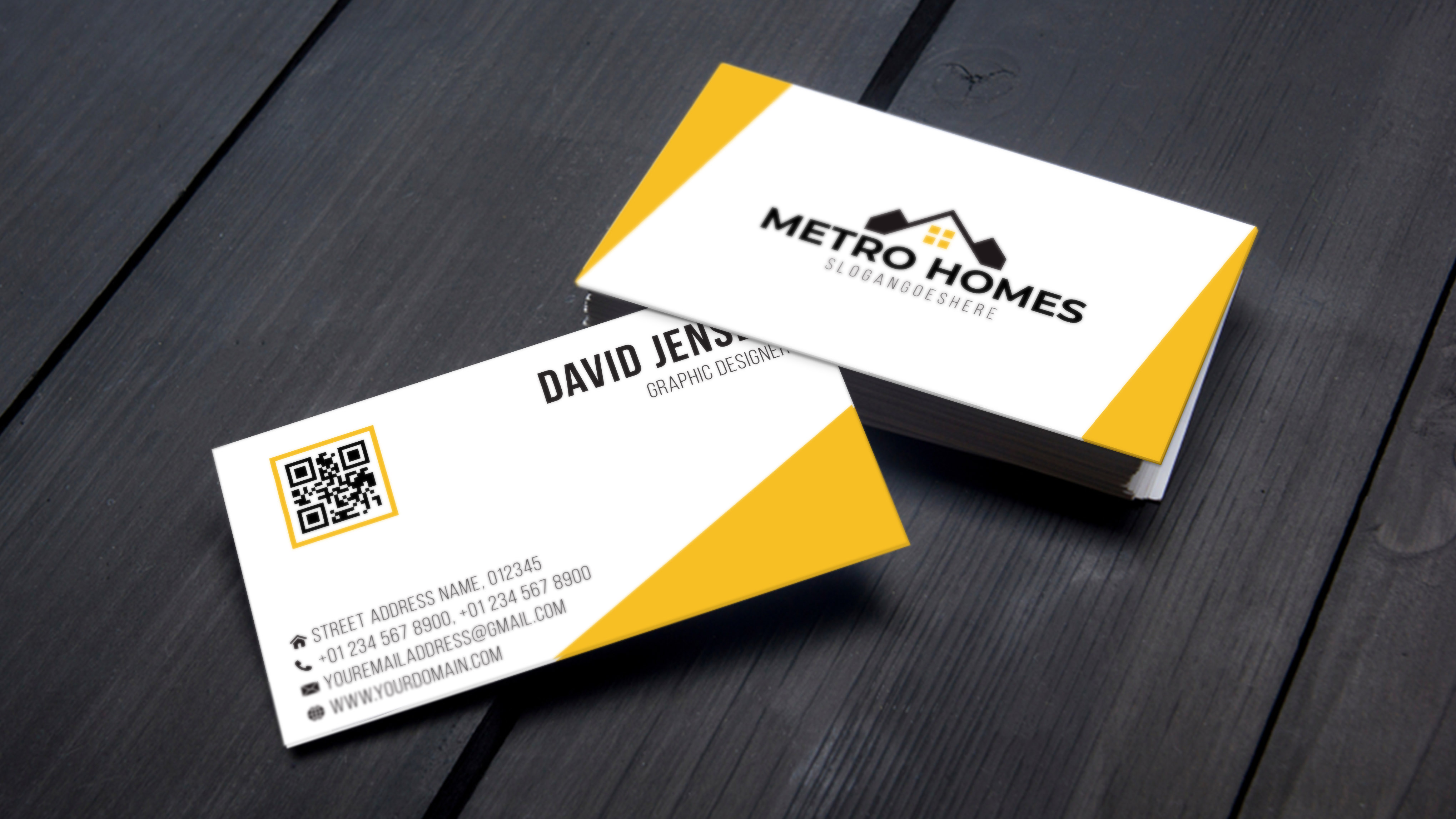
Example: A real estate agent might use deep blue (trust) with a gold accent (luxury). A tech startup might opt for gradient purple and minimalist type.
#### 5. Back Side Strategy Don’t waste the back. Options: - QR code linking to portfolio, calendar, or LinkedIn - Tagline or value proposition - Map snippet (for local businesses) - Blank space for handwritten notes
Top 5 Business Card Template Tools
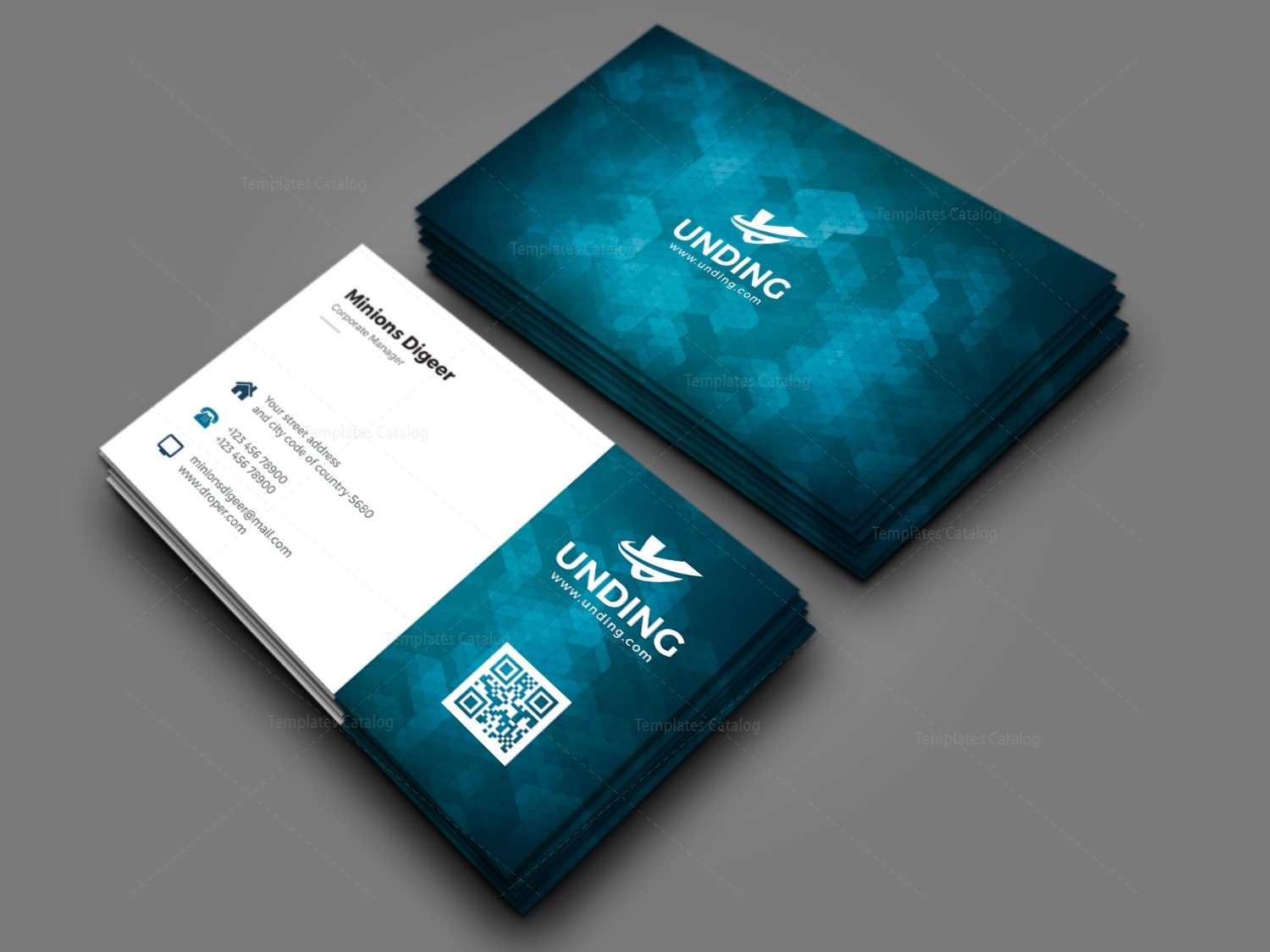
Not all template platforms are equal. Here are five proven options, each suited to different needs:
| Tool | Best For | Key Features | Limitations |
|---|---|---|---|
| Canva | Beginners & solopreneurs | 500+ free templates, drag-and-drop, brand kit | Limited print control, export quality varies |
| Adobe Express | Brand-focused users | Integrates with Creative Cloud, vector editing | Steeper learning curve |
| VistaCreate | Marketing teams | Animation options, team collaboration | Fewer print-ready defaults |
| Microsoft Word | Quick offline creation | Pre-built templates, mail merge | Outdated design standards |
| Ungated.design | Minimalist professionals | Free, clean templates, SVG export | Small library, no editing interface |
Pro Tip: Always download templates in PDF/X-1a format for printing. This preserves fonts, colors, and bleed settings.
How to Customize a Template Without Losing Professionalism
A template is a foundation, not a final product. Customization is where strategy meets design.
Step 1: Audit your brand assets Before editing, gather: - Primary and secondary brand colors (in hex and CMYK) - Approved fonts (limit to two) - Logo variations (full, simplified, monochrome)
Step 2: Adapt for audience A lawyer’s card differs from a graphic designer’s. A corporate attorney may include bar admission number and firm address. A designer might link to a Behance profile via QR code.
Case Example: Sarah, a freelance copywriter, used a Canva template but updated it with: - Her signature in script font (scanned and layered) - A muted green background (her brand color) - A QR code linking to her portfolio
Result: 34% increase in inbound inquiries within two months.
Step 3: Test before printing Print a proof on plain paper. Check: - Is the text readable at arm’s length? - Are margins balanced? - Does the logo appear crisp?
Avoid glossy finishes if you expect recipients to write on the card.
Print vs. Digital: Choosing the Right Format
Professionalism now extends beyond paper. Digital business cards are rising—especially in tech, sales, and remote industries.
Print Cards: - Pros: Tangible, trusted, works offline - Cons: Cost per update, environmental impact - Best for: In-person networking, client meetings, conferences
Digital Cards: - Pros: Track views, update instantly, share via NFC or link - Cons: Requires a device, less personal - Best for: Cold outreach, social media bios, follow-ups
Hybrid Approach: Use a print card with a QR code linking to a dynamic digital profile. This combines credibility with functionality.
Tools like HiHello, Popl, and Blinq offer scannable digital cards that sync with templates from Canva or Adobe.
Industry-Specific Template Adjustments
One size doesn’t fit all. Tailor your template to your field.
#### Creative Professionals (Designers, Photographers) - Use full-bleed imagery or textured backgrounds - Include a small portfolio sample on the back - Prioritize visual impact over text density
#### Corporate & Legal - Stick to conservative colors (navy, gray, black) - Use serif fonts for authority - Include full title, department, and office address
#### Healthcare Providers - Add credentials (MD, PhD, RN) after name - List specialties or services - Include HIPAA-compliant contact methods
#### Freelancers & Solopreneurs - Highlight niche expertise in the tagline - Use a personal brand photo if appropriate - Link to booking calendar or service page
A generic template fails when it ignores context. Always ask: What does my recipient need to know first?
Common Template Pitfalls (And How to Avoid Them)
Even professional templates can backfire if misused.
1. Font Overload Using three or more fonts screams amateur. Stick to one for headers, one for body. Google Fonts pairings like Poppins + Lato or Montserrat + Open Sans work reliably.
2. Low-Resolution Images Templates sometimes include placeholder images at 72 DPI. Replace them with 300 DPI versions. Blurry logos destroy credibility.
3. Ignoring White Space Crowded cards are hard to read. If your template feels tight, reduce font size or remove one element—like a secondary phone number.
4. Forgetting the Call to Action Your card should prompt action. Add a subtle CTA: - “Let’s build your brand” - “Schedule a free consult” - “Scan to view my portfolio”
5. Mismatched Branding Using a template with purple accents when your brand is black-and-white creates confusion. Modify colors to match, or find a neutral template.
Final Checklist Before Printing
Before you order 500 cards, run through this list:
✅ All text proofread (get a second pair of eyes) ✅ Logo is vector or 300 DPI ✅ Print-safe margins (3mm from edge) ✅ Fonts embedded in PDF ✅ Colors in CMYK, not RGB ✅ Contact details match website ✅ QR code tested on multiple devices
Order a sample pack from your printer. Compare paper stock, finish (matte, glossy, soft touch), and color accuracy.
A professional business card isn’t about luxury materials or flashy effects. It’s about precision, clarity, and consistency. The right template gives you that framework—but only if you use it with intention.
Start with a proven design. Customize it with brand accuracy. Test it thoroughly. Then deploy it with confidence. Your card isn’t just a piece of paper. It’s a silent ambassador for your business.
Frequently Asked Questions
What should a professional business card include? Name, title, company, phone, email, website, and logo. Optional: LinkedIn, QR code, or tagline.
Can I use a free template for a professional card? Yes, but ensure it allows CMYK export, has proper bleed, and supports high-res logos.
How do I make my business card stand out? Focus on brand consistency, clean layout, and a clear value proposition—not gimmicks.
Should I include my photo on the card? Only if it benefits your role—e.g., real estate agents, public speakers. Otherwise, avoid it.
Is a digital business card professional? Yes, especially when paired with a print version or shared via QR code.
What’s the standard business card size? 3.5 x 2 inches (88.9 x 50.8 mm) in the US; A8 (74 x 52 mm) in Europe.
Where can I print business cards affordably? Vistaprint, Moo, and GotPrint offer quality prints with bulk discounts. Always order a sample first.
FAQ
What should you look for in Professional Business Card Template Guide for 2024? Focus on relevance, practical value, and how well the solution matches real user intent.
Is Professional Business Card Template Guide for 2024 suitable for beginners? That depends on the workflow, but a clear step-by-step approach usually makes it easier to start.
How do you compare options around Professional Business Card Template Guide for 2024? Compare features, trust signals, limitations, pricing, and ease of implementation.
What mistakes should you avoid? Avoid generic choices, weak validation, and decisions based only on marketing claims.
What is the next best step? Shortlist the most relevant options, validate them quickly, and refine from real-world results.




:max_bytes(150000):strip_icc()/GettyImages-21696356521-4fbe8ad077b44dd89725c2f789cb6716.jpg)